 Mirroir
Product Update - 6 min read
Dress Me: See the Exact Garment on Your Own Body
Not every outfit question is "what should I wear" - sometimes you already know the exact piece, you just want to see it on you first.
The Problem Dress Me Solves
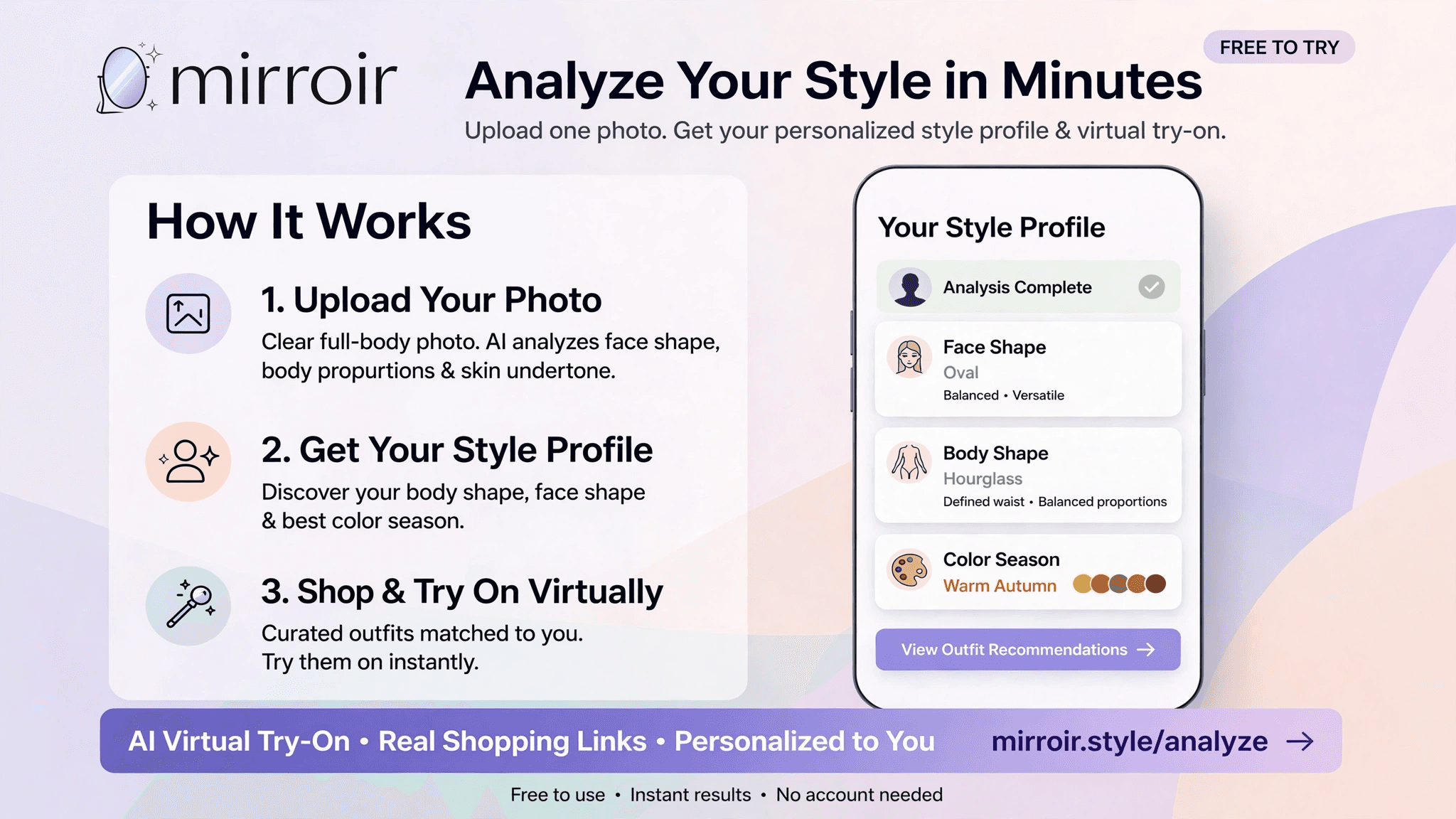
You spot a specific dress, top, or swimsuit online - on a store page, a friend's photo, or a link someone sent you. You're not asking for outfit ideas, and you're not looking for something "in a similar style." You want to know one specific thing: how would this exact piece, in this exact colour and cut, look on my own body? Most virtual try-on tools answer a different question - they show you a generic model wearing the item, or generate their own loose interpretation of it. Dress Me answers the actual question you're asking.
How It Works
Upload a photo of the garment - a screenshot from the product page works fine - then upload a photo of yourself. Mirroir's Dress Me tool fits that precise garment onto your own body, keeping your face, proportions, and identity completely unchanged. The goal is a faithful reproduction, not an approximation: the same cut, the same colour, the same pattern as the reference photo, rendered onto you specifically rather than reinterpreted into something merely similar.
Getting the Colour Right
Colour accuracy matters as much as the cut itself - a red top rendered in the wrong shade of red isn't a useful preview of the actual item. Dress Me is built to hold a garment's exact colour and pattern from the reference photo through to the final render, rather than letting lighting or generation drift shift it toward a warmer, cooler, or more muted version. For patterned or multi-colour pieces, each colour and where it sits on the garment is preserved too, not simplified into a single flat tone.
Built for Real Garments, Not Just Basics
Dress Me handles swimwear, going-out pieces, and everyday basics alike, with a gender selector so results fit correctly whether you're shopping in the women's or men's section. Swimwear specifically has historically been a weak spot for a lot of general-purpose AI image tools, many of which apply overly cautious content filtering to swim and lingerie categories - Dress Me is built to handle these categories properly rather than refusing or distorting them. A quick photo-rotation tool is built in too, in case your selfie needs straightening before you start.
Why Identity Protection Matters Here
The whole point of trying something on is seeing yourself in it - not a stranger's face or a stand-in body shape standing in for yours. Mirroir keeps your actual face, skin tone, and body proportions locked throughout the render, so what you see is a genuinely useful preview of your own reflection, not someone else's body wearing the item instead.
Try It Yourself
Dress Me is live now, free to try. Upload a garment you've been eyeing and see it on yourself before you buy.
Frequently Asked Questions
Will the garment come out looking exactly like the reference photo, or a similar version?
The goal is an exact match, not an approximation - same cut, same colour, same pattern, same fabric texture as whatever's shown in the reference photo. That's the entire point of Dress Me versus a general outfit generator: you already know the specific piece you want to see, and the render is built to reproduce that piece faithfully rather than invent something merely similar to it.
What kind of garment photo works best?
A clear, well-lit photo of the item alone, or a product photo from the store page, works best - the more clearly the garment's colour, cut, and pattern are visible, the more accurately it can be reproduced. A photo where the garment is partially obscured, heavily shadowed, or shown at a strange angle gives the AI less to work with.
Does it work for swimwear specifically?
Yes - swimwear is explicitly supported, alongside going-out pieces and everyday basics. This matters because swimwear renders have historically been a weak point for a lot of general-purpose AI image tools (many apply overly cautious content filtering to swim and lingerie categories specifically); Dress Me is built to handle it properly.
Does it work for both men's and women's clothing?
Yes - there's a gender selector so the result fits and renders correctly whether the garment and your own photo are from the men's or women's side.
My selfie is sideways/rotated - do I need to fix that first?
No - there's a built-in photo-rotation tool, so a sideways or upside-down selfie can be straightened out right before you start, without needing to leave the page or use a separate photo editor.
Why does my face and body stay the same instead of matching the model in the garment photo?
Because the entire value of trying something on is seeing your own reflection in it, not someone else's. Mirroir keeps your actual face, skin tone, and body proportions locked throughout the render - the reference photo only supplies the garment itself, never the body wearing it.
Related reading
Try Dress Me free
Dress Me Now